

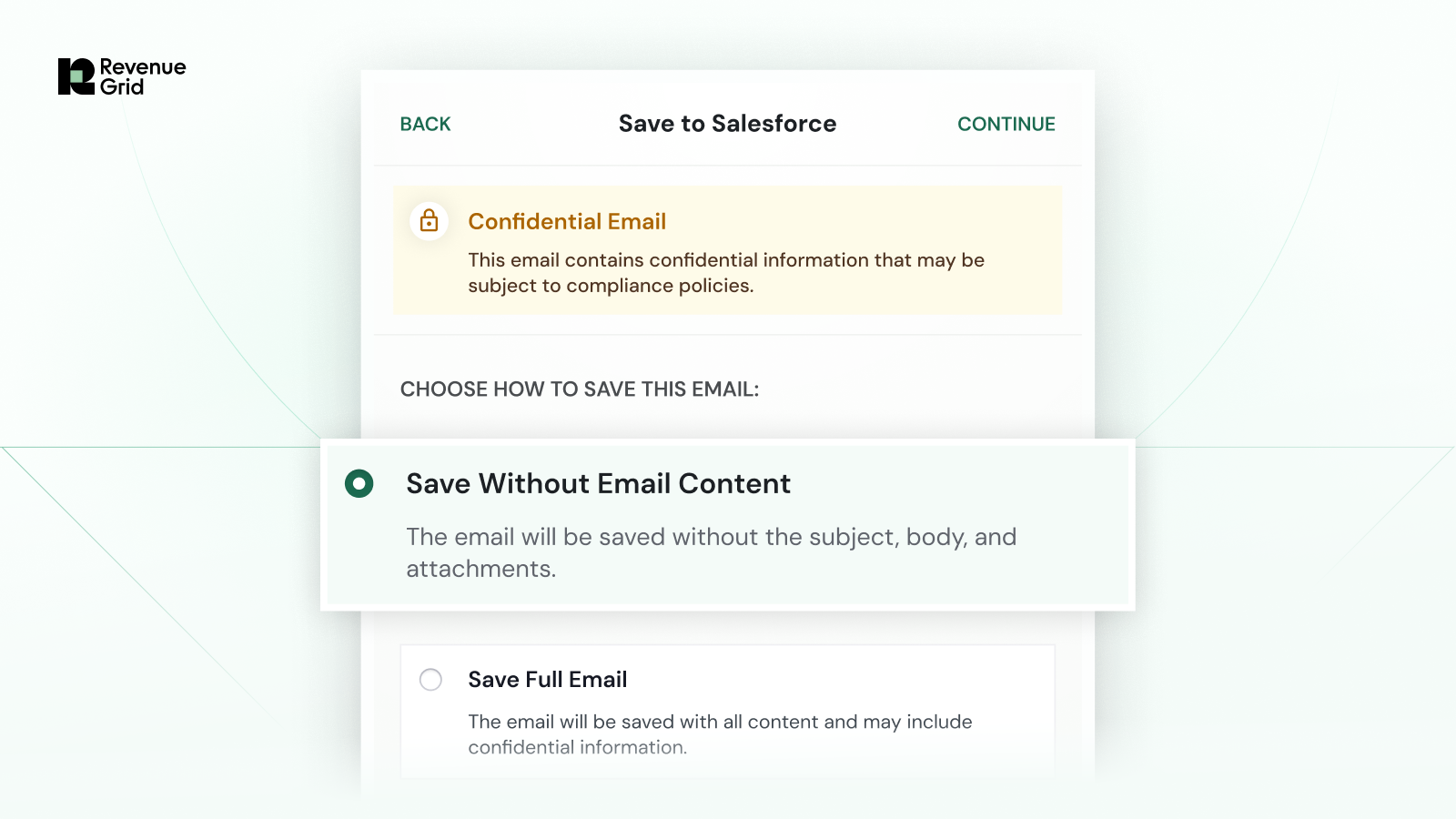
Key Takeaway
- Sensitive email data needs smarter handling: Traditional email sync treats all emails equally, increasing risk when sensitive data like PII or financial information is involved.
- Policy-driven security is now automated: Confidential Email Sync automatically applies security rules based on designated user groups, ensuring consistent and compliant data handling.
- Visibility without compromising security: Teams can still capture complete customer interaction records in Salesforce while protecting confidential content.
- Flexible yet controlled system: Users can override classifications when needed, while organizations maintain consistent, enforced governance across all synced emails.
Revenue teams rely on email to communicate with customers, but not all emails are created equal.
In many organizations, especially those operating in compliance-heavy environments, emails often contain sensitive information such as PII or financial data. Yet when this activity is synced into Salesforce, it’s typically treated the same as any other email.
That creates risk.
Today, Revenue Grid is introducing Confidential Email Sync, a new Sync Engine capability designed to ensure sensitive email communications are handled securely and consistently—without sacrificing visibility into customer interactions.
The Challenge: All Emails Are Treated the Same
For revenue teams, syncing email activity into Salesforce is critical for maintaining a complete view of customer engagement.
But existing systems don’t distinguish between sensitive and non-sensitive communications. As a result:
- Emails containing confidential information may be exposed more broadly than intended
- Organizations face increased risk in compliance-heavy environments
- Teams lack consistent, policy-driven control over how email data is handled
The Solution: Secure and Complete Data Handling
Confidential Email Sync ensures that every synced email is aligned with your organization’s security policies automatically.
With this capability, teams can designate user groups, such as “confidential” and “regular,” to control how emails are handled during synchronization. When an email includes designated confidential participants, secure handling is applied by default.
How it works:
- Automatic confidential handling
Emails are classified and handled securely based on designated user groups - Protection of sensitive content
Critical information is protected while still capturing the interaction record in Salesforce - User-level flexibility
Users can override classifications when an email does not contain sensitive information - Consistent enforcement
Rules are applied uniformly across all synced communications
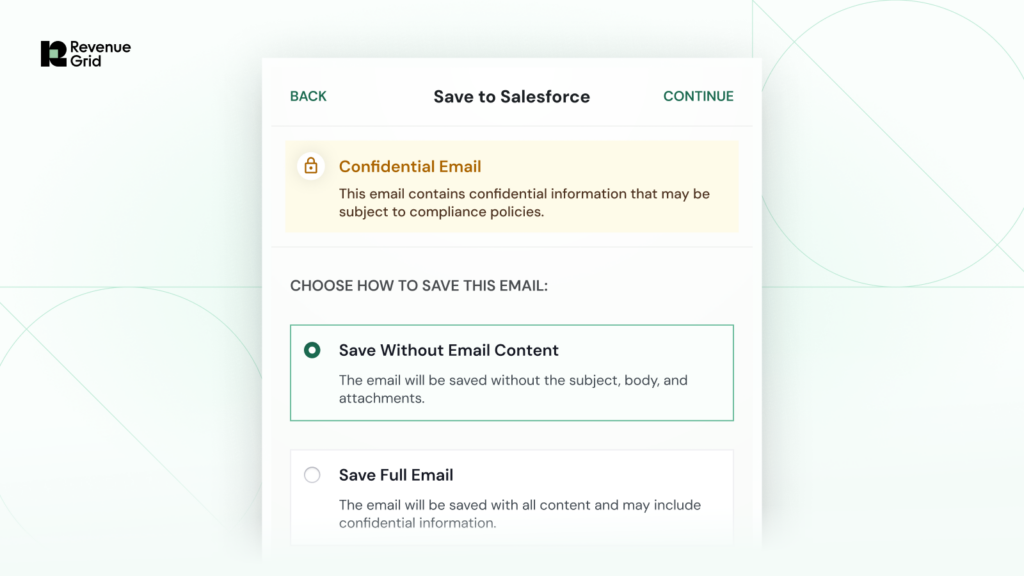
This ensures that sensitive emails are handled correctly, without relying on manual processes, and revenue teams no longer have to choose between visibility and security. This is especially critical for organizations in industries like Financial Services, where protecting confidential information is essential to both compliance and customer trust.
With this update, we are continuing our dedication to secure and accurate data. Now every email is:
- Securely handled — aligned to your organization’s policies
- Consistently governed — with rules applied automatically
- Fully captured — without exposing sensitive information
1. What is Confidential Email Sync?
Confidential Email Sync is a Sync Engine capability that ensures sensitive email communications are handled securely and in alignment with organizational policies when synced into Salesforce.
2. How does the system identify confidential emails?
Emails are classified based on designated user groups (e.g., “confidential” and “regular”). If an email includes participants marked as confidential, secure handling is automatically applied.
3. Does this impact visibility into customer interactions?
No, it maintains full visibility by capturing interaction records in Salesforce while protecting sensitive content from unnecessary exposure.
4. Can users override the confidentiality settings?
Yes, users have the flexibility to override classifications in cases where an email does not contain sensitive information, while overall governance rules remain enforced.